How to back up your photos: a workflow you can actually restore
Build a clear 3-2-1 backup routine for originals, edits and finished work, then test the recovery that makes it useful.
A photograph is not protected simply because it exists in several folders. Those folders may sit on the same failing drive, belong to one synchronized account or contain only small delivery exports. A useful backup workflow begins with knowing what you would need after a loss. For a working photographer, that can include originals, finished files, editing instructions, captions and the record of which images a client approved.
The purpose is recovery, not the appearance of technical sophistication. A modest system that you understand, maintain and test can serve you better than an elaborate arrangement whose last successful run nobody remembers. This guide combines established backup principles with a practical assignment-level routine. It does not recommend a particular provider or imply that any storage method can eliminate every possible failure.
Inventory the material that makes a job complete
Start with a finished assignment and list the files you would need to revisit it. Include the camera originals and the editing catalog or project information your application depends on. Add final exports, captions and essential delivery notes. A folder full of originals is valuable, but it may not preserve the work needed to reproduce the approved result.
Keep that inventory readable. A brief text note explaining where files live can be more useful during recovery than a clever folder structure understood only by its creator. Record any software or service dependencies without storing passwords in the project folder. The aim is to make the archive understandable to a future version of you who has forgotten the ordinary details of this week’s workflow.
Use 3-2-1 as a starting structure
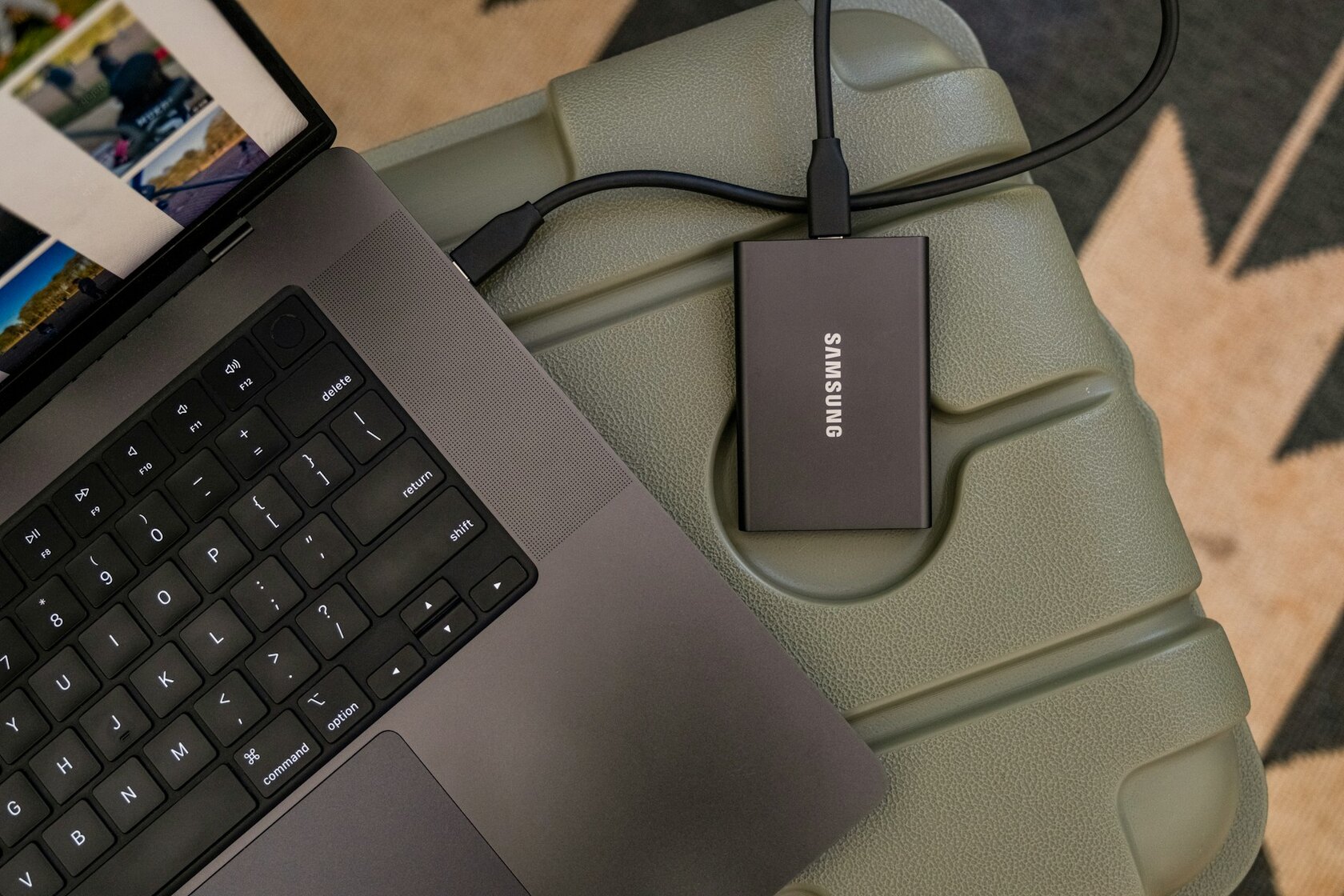
The familiar 3-2-1 principle means three copies of important information, using two different media types, with one copy off site. The Canadian Centre for Cyber Security includes this approach in its backup guidance. Think about independent failure paths as you implement it. Three folders on one disk do not offer the separation that the principle is intended to create.
Translate the structure into an arrangement you can actually maintain. Identify the working copy, the separate backup route and the off-site copy. Document when each updates and what it contains. Different businesses will choose different media and services, but each should be able to explain how a local hardware failure or an incident affecting the studio would leave something recoverable elsewhere.
Distinguish synchronization from recovery history
Synchronization can keep files available across devices, but an unwanted deletion or corruption may also propagate. Investigate the history, retention and recovery behavior of the service you use rather than assuming that a second device is an independent backup. Know how long an earlier version remains available and whether that period fits the way you discover mistakes in a long-running photographic archive.
Test a harmless sample instead of learning through a real loss. Save a small project, revise a file and investigate how you would recover an earlier version using the service’s documented controls. Do not delete important material to stage the test. The useful outcome is a clear understanding of what your arrangement can restore, which steps it requires and where its limits begin.
Make ingest a repeatable handoff
After a shoot, use a consistent method for copying and organizing the material. Confirm that the files are present and readable at the intended destinations before treating the capture media as ready for another job. A successful copy notification is helpful, but a realistic verification routine should also include opening representative files and understanding whether all necessary material was included.
Keep the process simple enough to use when you are tired. Name the assignment clearly, place it in the expected location and record any exception while it is fresh. Avoid using a memory card as the only long-term archive because a busy week delayed your normal routine. The handoff from capture to managed storage is a working stage, not an administrative task to postpone indefinitely.
Protect access without making recovery impossible
Follow your providers’ documented security options and protect sensitive client material appropriately. Government backup guidance recommends encryption where needed and strong authentication, including multifactor authentication for suitable services. Also plan how authorized recovery will work if a familiar device is unavailable. A protected copy is useful only when the person responsible can legitimately regain access to it when needed.
Keep recovery information through a secure method separate from the photographs themselves. Do not put account secrets in a shared client folder or assume one person’s memory is a durable business process. Decide who is responsible for maintaining the system and reviewing exceptions. These choices should fit the size and nature of the studio rather than become unnecessary bureaucracy around every personal photograph.
Practice restoring a small complete job
Choose an unimportant sample assignment and restore it to a separate location. Open the files, reconnect the editing information and reproduce a representative final export. Check whether the captions and approval notes remain understandable. This is more revealing than checking that a backup drive contains familiar folder names. You are testing the ability to continue working, not merely the presence of stored bytes.
Write down what interrupted the test. Perhaps a missing sidecar, an unexpected path or unclear naming slowed the recovery. Repair that weakness and keep a short description of the working procedure. Repeat the test on a schedule suited to your workload and after meaningful changes. A successful backup arrangement is something you demonstrate periodically, not a belief inherited from the day it was first configured.
Keep delivery and preservation separate
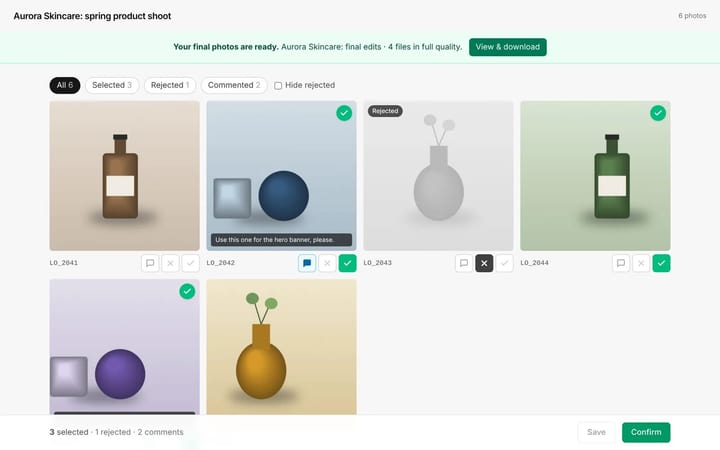
A client gallery, file-transfer link or proofing session may expire or follow different retention rules from your archive. Read the actual terms and keep your own copies of originals and agreed deliverables. Do not turn the client’s convenience interface into the only location for work you have promised to preserve. Equally, make your retention commitment clear rather than assuming every delivery implies permanent storage.
Finish with a routine you can explain in a few sentences: what is protected, where the independent copies live, when they update and how you know recovery works. Review it as your archive grows. The reward is not another dashboard or a larger pile of drives. It is the ability to return to an important photograph, reconstruct the work and keep a promise after an ordinary piece of technology fails.