RAW or JPEG? Start with the photograph’s destination
Editing latitude, delivery speed and storage are more useful questions than choosing a universal winner.
RAW and JPEG serve different stages of a photographic workflow. A RAW file retains sensor data for processing in compatible software. A JPEG is a processed, compressed image ready for broad sharing. Neither choice repairs missed focus or a poorly timed frame.
When latitude matters
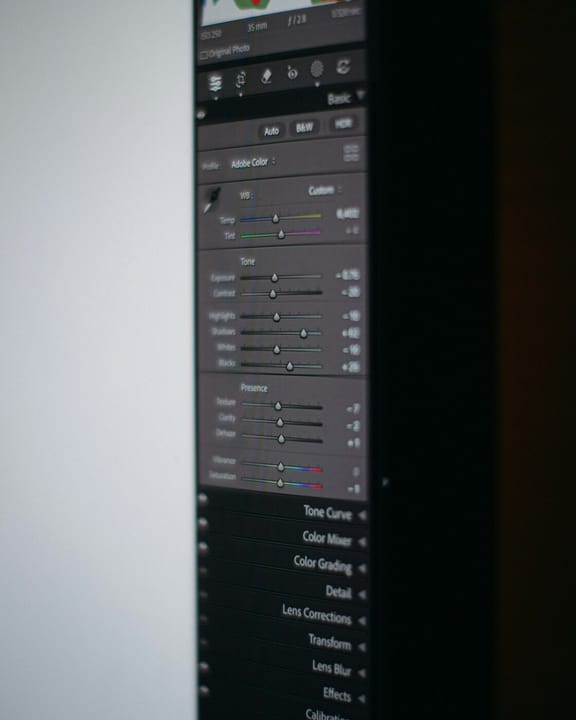
RAW can be useful when you expect substantial tonal or white-balance adjustments. It also asks for compatible software, processing time and space to keep both the source and the final export. Test your own camera with the scenes you actually photograph; recovery varies.
When delivery matters
JPEG can fit a fast delivery schedule or an approach centered on getting the look right in camera. Pay attention to picture profiles, exposure and white balance before shooting. Repeatedly saving an edited JPEG adds another round of compression, so preserve an untouched original.
If your camera supports RAW plus JPEG, try it for one assignment. Deliver the JPEGs you like, edit only the RAW files that need the extra work, and compare how much time each route takes. The useful answer is the one that fits your output, deadline and archive.
Distinguish capture from delivery
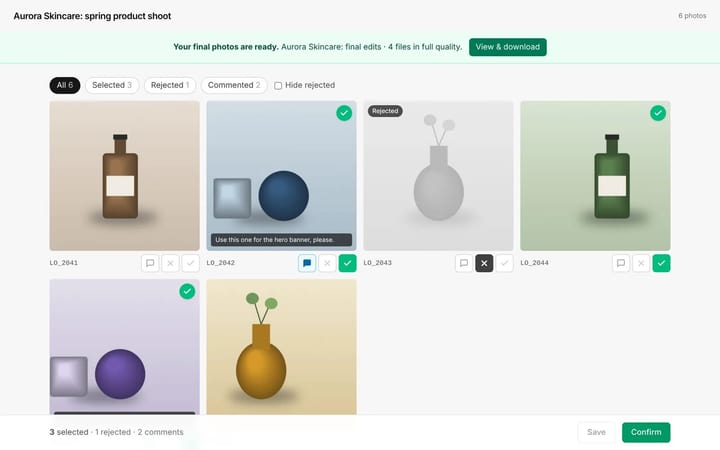
A client asking for JPEGs does not necessarily determine how you should capture the assignment. The capture format, working file and final delivery can serve different purposes. Write down the required dimensions, intended use and deadline before deciding where each format fits. This avoids an argument about abstract image quality when the practical question is how to produce the requested photographs reliably.
For example, a small event may require a quick selection during the day and a more considered edit afterward. A controlled product session may allow time for detailed processing before anything is sent. These are workflow examples, not universal instructions. The right arrangement depends on your camera, the scene, the agreement with the recipient and the amount of intervention the final image needs.
Understand what flexibility cannot rescue
Processing latitude is useful, but it should not encourage careless capture. A severely clipped highlight, unwanted movement or missed focus may remain a problem regardless of format. When testing files, distinguish a modest adjustment from an attempt to reconstruct information that was not recorded usefully. Your camera and processing software set boundaries that should be explored with representative photographs rather than assumed from a format’s reputation.
Make a controlled test with a scene containing bright detail, midtones and shadow texture. Capture the formats your camera supports, then compare exports at the same size. Keep a neutral reference version before experimenting. The goal is to learn where your own files remain useful, not to produce the most extreme demonstration of recovery for an image you would never normally deliver.
White balance belongs in the comparison
Mixed lighting is a practical reason to test your options. Photograph a familiar subject under the kinds of light you actually encounter and compare how readily you can reach a consistent result. Do not assume every lighting problem is simply a white-balance slider problem. Different sources within a scene can affect subjects differently, and no format removes the need to observe those relationships.
If you rely on a camera’s finished rendering, spend time understanding its settings before an important job. Record the choices you like and make a sample sequence, not just one flattering frame. Consistency across a group of images may matter more than the appearance of a single example. A repeatable look is easier to deliver when its starting point is intentional.
Compare time as well as file size
Storage is only part of the cost. Include import, preview generation, selection, processing, export and the effort of finding the job again later. A format that saves space but creates repeated manual work may be expensive in another way. Conversely, a flexible file you rarely need to adjust may offer little daily benefit if it complicates an otherwise dependable process.
Use a complete small assignment for the comparison. Record how long each stage takes and where you have to stop to make decisions. Avoid extrapolating from one unusually difficult image. Your average workflow, including the ordinary frames that make up most deliveries, is the more useful reference. Keep the test modest enough to repeat when you change camera or software.
Keep originals distinct from revised exports
Whatever you capture, preserve an untouched source. Use a naming routine that makes it clear which files came from the camera and which are delivery versions. Avoid repeatedly replacing a single “final” file without a record of what changed. When a client returns with an earlier selection or requests a different output size, a clear archive can save more time than another processing shortcut.
Remember that a catalog or editing database is not the same thing as the image files it references. Know where the originals live and how your work is protected. Include any sidecars, project files or instructions your workflow depends on. The exact method can vary, but the practical test is consistent: can you reopen the job and reproduce an intended result without relying on memory?
Choose a working policy for real assignments
Instead of deciding that one format is always correct, define a small set of situations. You might use a flexible capture route for difficult light, a camera-rendered route for a fast personal project and both formats while testing an unfamiliar setup. The policy should be easy to explain and maintain. Complexity that nobody remembers is not an advantage in a working routine.
Review the policy after several jobs. Note which source files you actually used, which caused friction and which protected you from a problem. This turns the choice into evidence about your own photography. It also prevents a temporary learning arrangement from becoming a permanent habit that consumes storage and attention long after the original reason has disappeared.
A sensible answer is allowed to change
Your output, camera and tolerance for processing will develop over time. A photographer who begins with immediate sharing may later want a carefully printed series; another may simplify a heavy desktop routine to spend more time making pictures. Revisit the format decision when those priorities change. There is no benefit in defending yesterday’s workflow after the work itself has moved elsewhere.
The useful conclusion is a complete route from capture to a dependable final image. Know what your chosen format preserves, what your software does with it and what the recipient needs. Test the weak points before the assignment matters. Then let the format become an ordinary, deliberate part of the process so your attention can return to the photograph.