Photoshop, Lightroom and the alternatives: choose your editing workflow
Photoshop, Lightroom, Capture One, DxO, Affinity, darktable and GIMP compared by the work you actually need to finish.
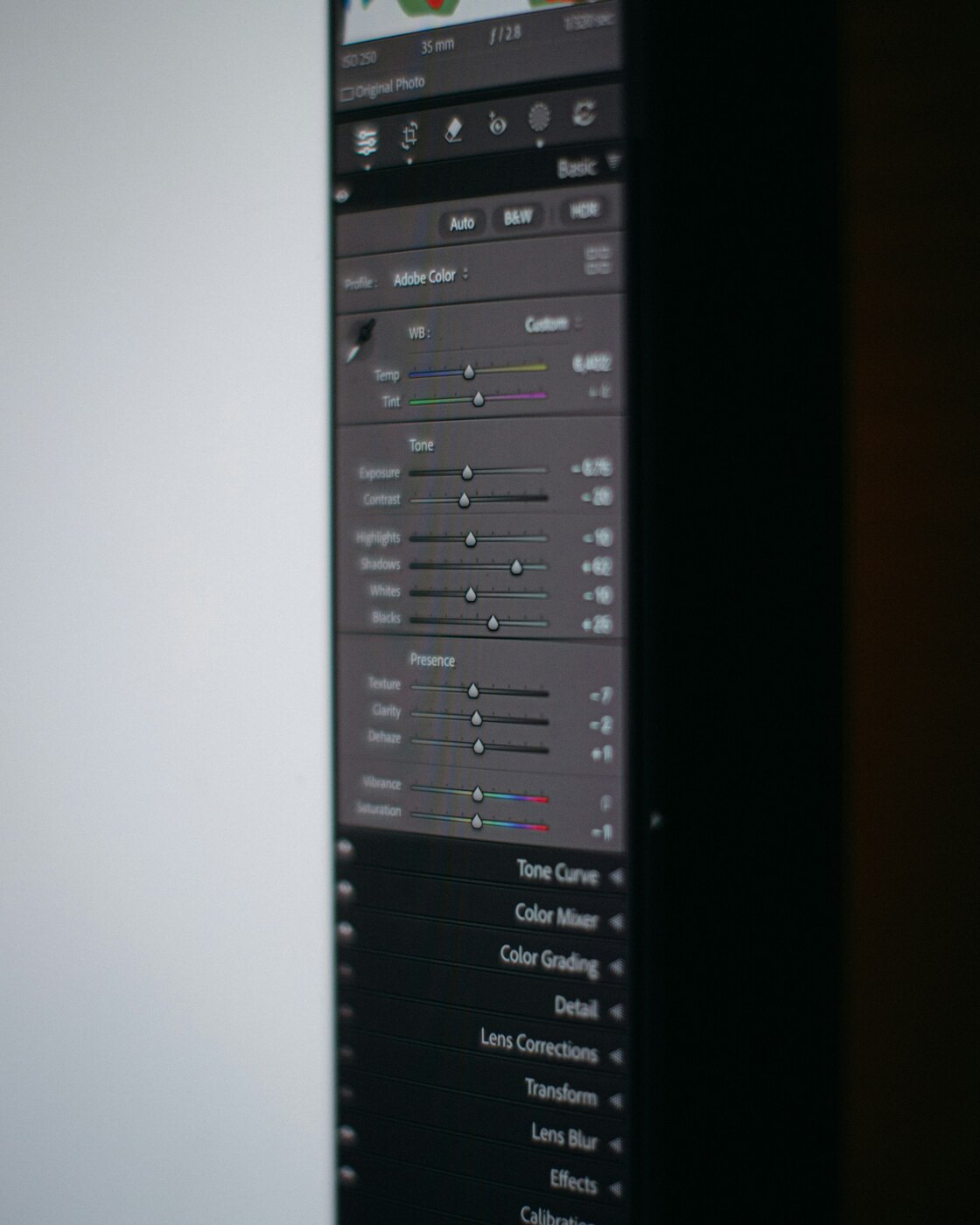
Choosing photography software becomes easier when you stop asking which application does everything best. An editor that is excellent for a single intricate composite may be an awkward place to organize a year of assignments. A fast RAW workflow may still need a separate tool for a demanding retouch. The useful comparison begins with the work you repeatedly deliver, the files you need to exchange and the devices you actually use.
This is a comparison of official product documentation checked on November 20, 2026, alongside our workflow analysis. It is not a benchmark or a claim that we tested every application. Features, prices and regional offers can change; the linked vendor pages are the purchasing reference. Start with the map below, then test a small real assignment before reorganizing your entire archive.
| Application | Primary workflow to evaluate | Payment model |
|---|---|---|
| Photoshop | Detailed retouching and compositing | Subscription |
| Lightroom | Cloud-centered photo workflow across devices | Subscription |
| Lightroom Classic | Desktop photo archive and development | Subscription |
| Capture One | RAW editing and connected studio capture | Subscription or Pro one-time license |
| DxO PhotoLab | RAW development and optical corrections | Perpetual license |
| Affinity | RAW development and layered image editing | Free advertised toolkit |
| darktable | RAW processing and photo organization | Free, open source |
| GIMP | Image manipulation and composition | Free, open source |
Lightroom and Lightroom Classic: organize the whole shoot
Adobe distinguishes Lightroom’s cloud-centered desktop, mobile and web workflow from Lightroom Classic’s desktop-focused approach with locally stored originals. That difference can matter more than a particular adjustment tool. Ask where you want the archive to live, how often you work without a reliable connection and whether a phone or tablet is a regular editing device rather than an occasional accessory.
For a large local archive, evaluate Classic against your folder and backup routine. For work moving between devices, examine Lightroom’s storage and synchronization model. Neither decision removes the need to understand where originals and exports are kept. Trial the route from import through selection, editing and delivery, including what happens when you revisit an older job rather than only a new set of attractive files.
Photoshop: construct and refine an individual image
Photoshop is the Adobe route for detailed image manipulation and construction. It makes sense to evaluate it when the assignment calls for layered retouching, compositing or image work that goes beyond a consistent photographic treatment across a shoot. The practical question is how often you need that level of intervention and whether collaborators expect an editable Photoshop document rather than a flattened delivery file.
Do not make one application carry every stage by habit. A photographer might organize and develop a series in a RAW workflow, then send a few selected images into a detailed editor. That is a workflow example, not a requirement to buy both. Check Adobe’s exact plan inclusions before choosing a subscription, particularly if your real need is a narrower part of the ecosystem.
Capture One: investigate the connected studio workflow
Capture One’s official offering emphasizes RAW editing, color work and tethered capture, with subscription and one-time license options for Pro. It belongs on a shortlist when the connected session is central to your working day. Compare the specific camera support, session organization and client-review requirements that matter to your production, rather than treating the presence of a tethering feature as proof of a better experience for every camera.
Use an ordinary product or portrait session as the trial. Include setup, capture, selection, an interrupted connection and the final export. A successful studio workflow is a complete chain, not simply a pleasing default rendering. Check which collaboration and mobile features belong to the exact plan you are considering, and include any additional application you still need for detailed image construction.
DxO PhotoLab: concentrate on RAW development
DxO currently presents PhotoLab 10 as a Windows and macOS RAW editor with a perpetual license. Its product documentation highlights noise reduction, optical corrections and local adjustments. This makes it worth investigating when the recurring challenge is developing demanding camera files. Verify support for your actual camera and lens combination before judging it from sample images made with somebody else’s equipment.
Compare an entire edit, including the ordinary files that need modest adjustments. A specialist capability can be valuable without becoming the best place for every stage of the job. Check how you will handle selection, archive organization and any layered work elsewhere. Perpetual licensing also deserves a practical reading of included updates, future hardware support and the cost of later upgrades.
Affinity: revisit what “alternative” means now
Older comparisons describing Affinity only as a paid standalone purchase can be misleading. Its current official photo-editing page advertises a free toolkit with RAW development, layers, retouching, HDR and batch functions. Treat that as the present vendor offering, while checking system requirements, account requirements and the terms relevant to your situation before installation. Do not assume an older license description still applies unchanged.
Affinity is a candidate for image-level work when you want to investigate another detailed editor. Use representative files and test any document exchange your clients require. The ability to import a format does not establish that every effect, font or editable construction will survive an elaborate round trip. Open the returned file in the recipient’s application before calling a production handoff dependable.
darktable and GIMP: two different open-source roles
darktable describes itself as a photography workflow application and RAW developer, with nondestructive processing and image organization. GIMP is a free image-manipulation application for tasks including retouching and composition. They therefore answer different questions. Consider darktable for the journey through a collection of camera files and GIMP when investigating detailed image-level work; do not treat the names as interchangeable substitutes for every commercial application.
Include learning time in a fair evaluation. Familiarity with another editor can make a different interface feel inefficient before you understand its intended process. Conversely, free access does not automatically make an application economical for a deadline-driven studio. Work through one complete small job, preserve the originals and note which stages become easier, harder or dependent on another tool.
Compare the annual workflow, not the first checkout price
Adobe’s retrieved US page lists Lightroom at $11.99 per month and Photography at $19.99 per month, both on annual plans billed monthly. Those are dated US storefront figures, not universal prices or a promise of month-to-month cancellation terms. Read the current commitment, renewal and regional tax information. For alternatives, compare the actual license, storage and upgrade arrangement you would purchase, rather than matching unlike headline prices.
Finally, choose ten representative images and one realistic deliverable. Time import, selection, processing, revision and export. Check the archive and editable-file handoff afterward. Select the smallest reliable set of tools that completes that route. Your best editing software is the combination you can use consistently, exchange confidently and maintain over time, while leaving enough attention for the photographs themselves.